Your time. Your business. Your rules.
One link.Clients book.You show up.
Stop booking by DM. Send your BookedUp link and your clients pick a service and an open time in their browser. The booking lands on your calendar.
Made for people who are the whole business
The problem
Booking by DM eats your day.
When you are the whole business, every hour on the phone is an hour you are not being paid for.
Ten messages to book one haircut
“Are you free Tuesday”, “What about after four”, “Ok, which one was it”. Every booking is a thread you answer between clients.
A diary that is never where you are
Paper at the chair, notes on your phone, a screenshot of a chat. Your week lives in three places and none of them is complete.
Clients who have to ask
What do you offer, how long does it take, what does it cost. Every question is one more message before anyone books.


What you get
Your clients book. You get your day back.
Everything a client used to message you about is on your page, so the booking happens without you.
No more back-and-forth
You get your own booking page and one link to it. Put it in your bio or your chats. Clients open it in any browser, with no account and nothing to install.
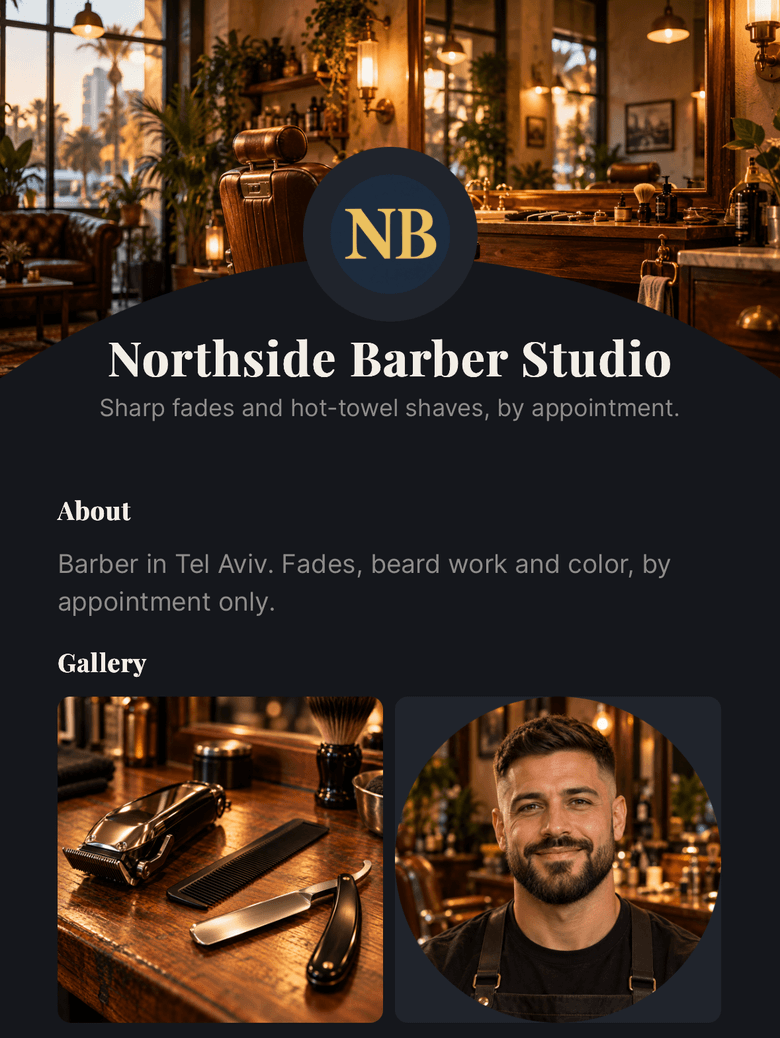
Clients know before they ask
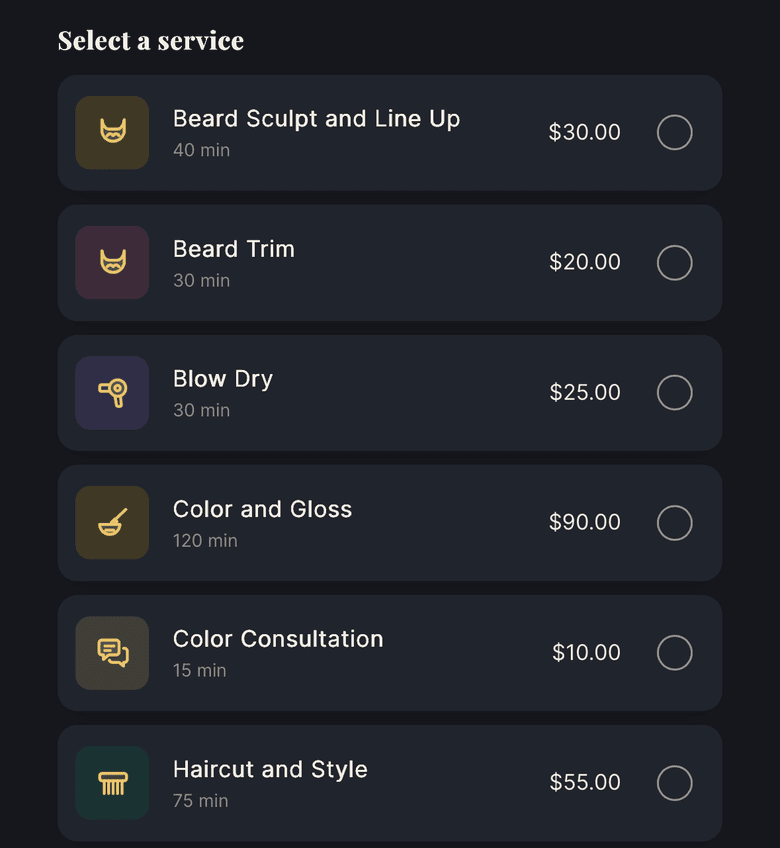
Every service shows how long it takes and what it costs. Switch one off and it leaves your page.
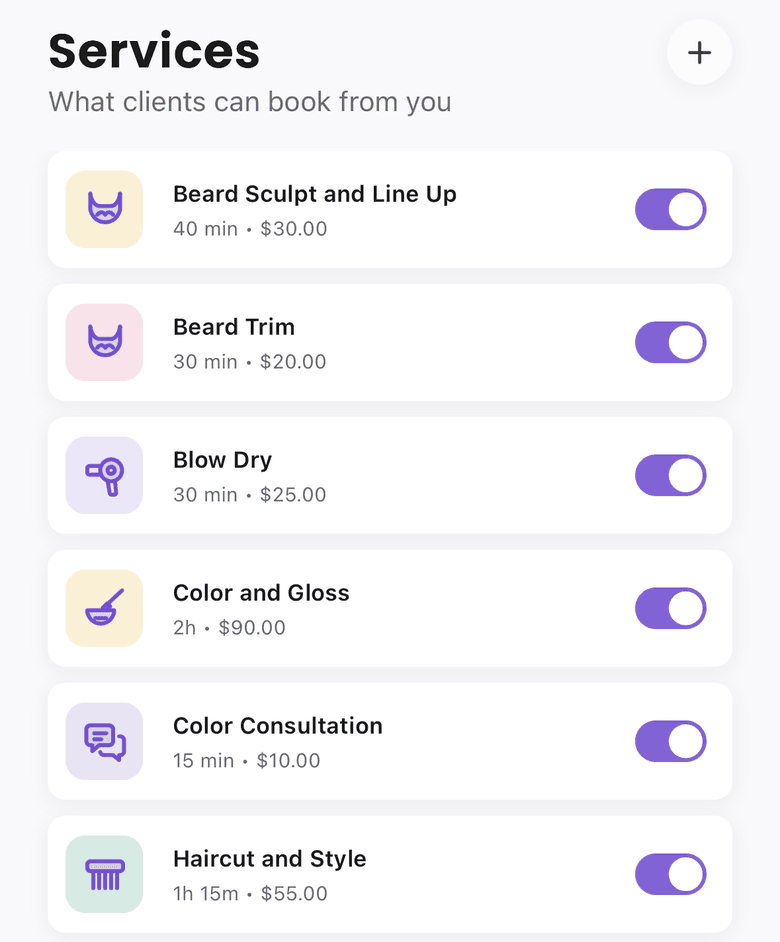
Only times you can take
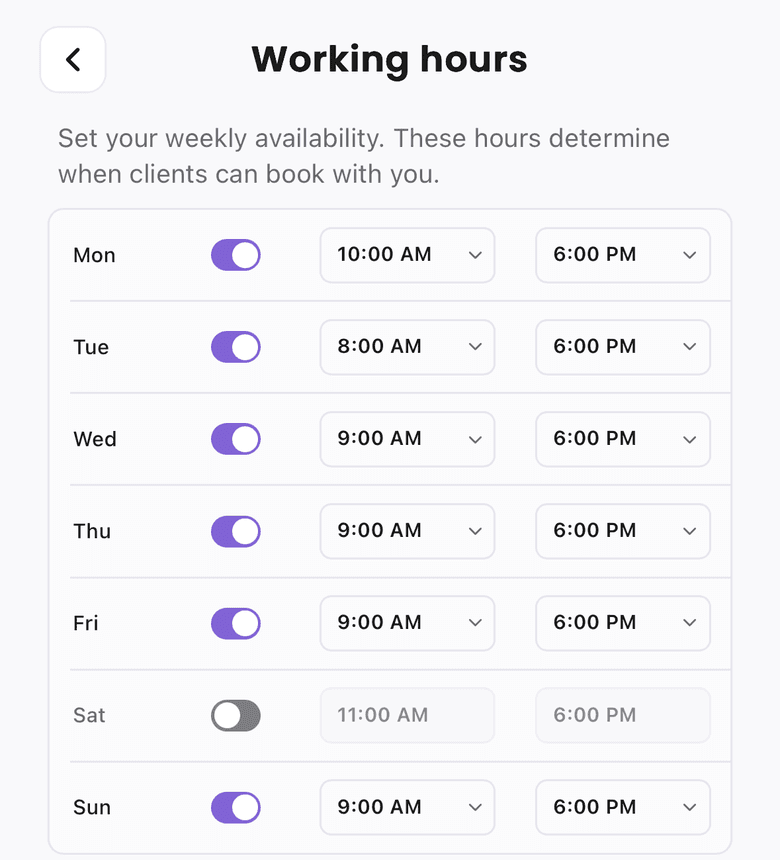
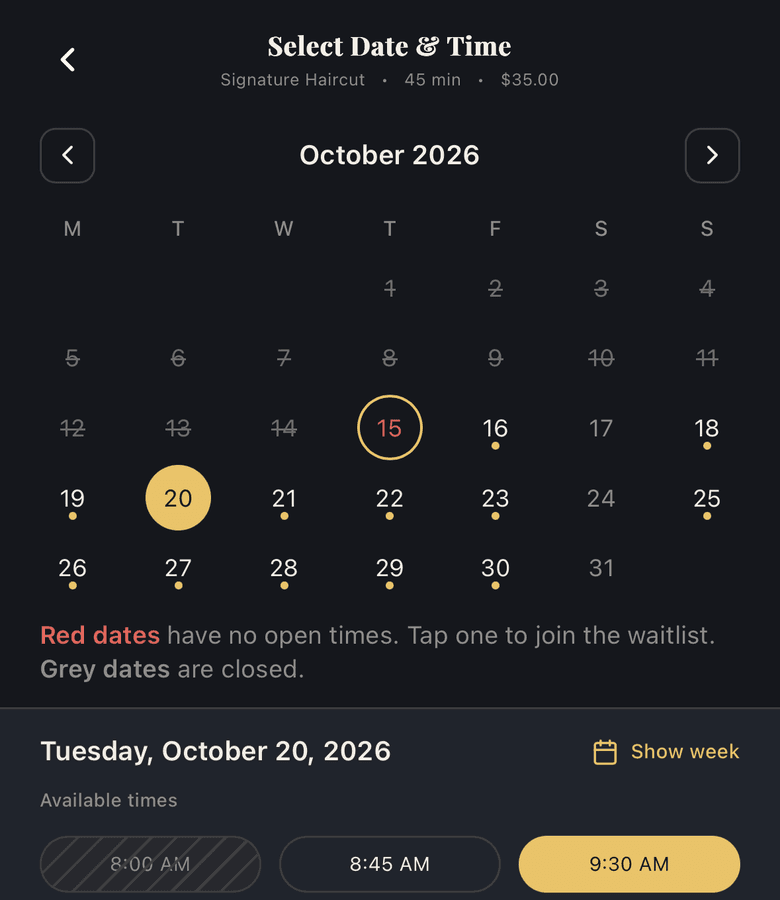
Set the hours clients can book and switch off the days you do not work. Clients see only the open times, and a slot someone already has shows as booked.
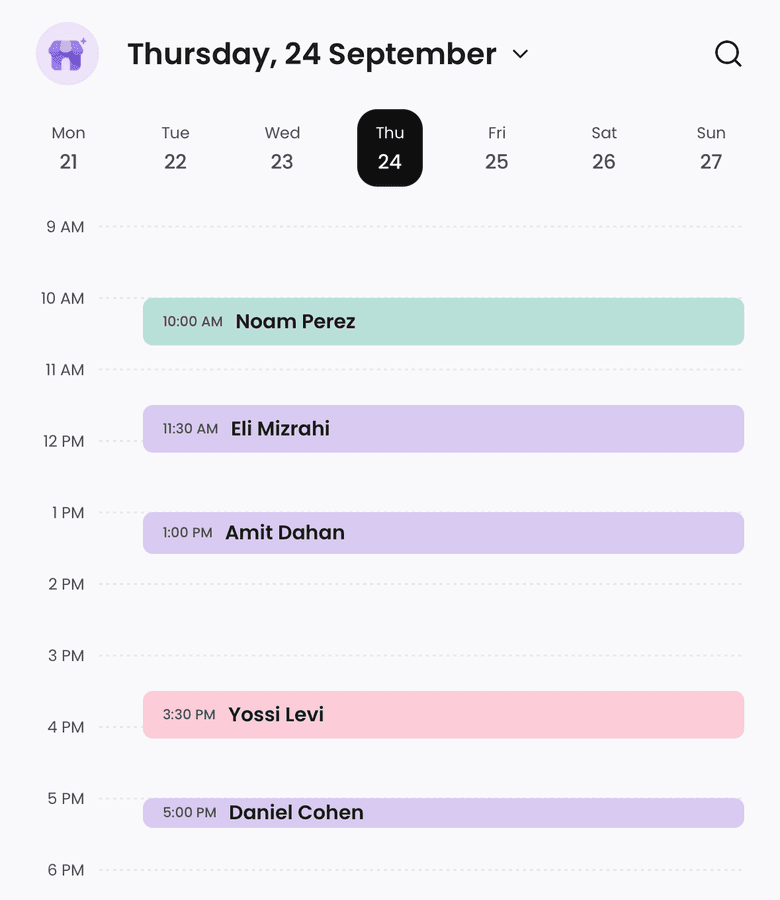
Your whole day in one place
A week strip on top, your day below. Add a booking you took in person, or block time for a break so clients cannot book it.
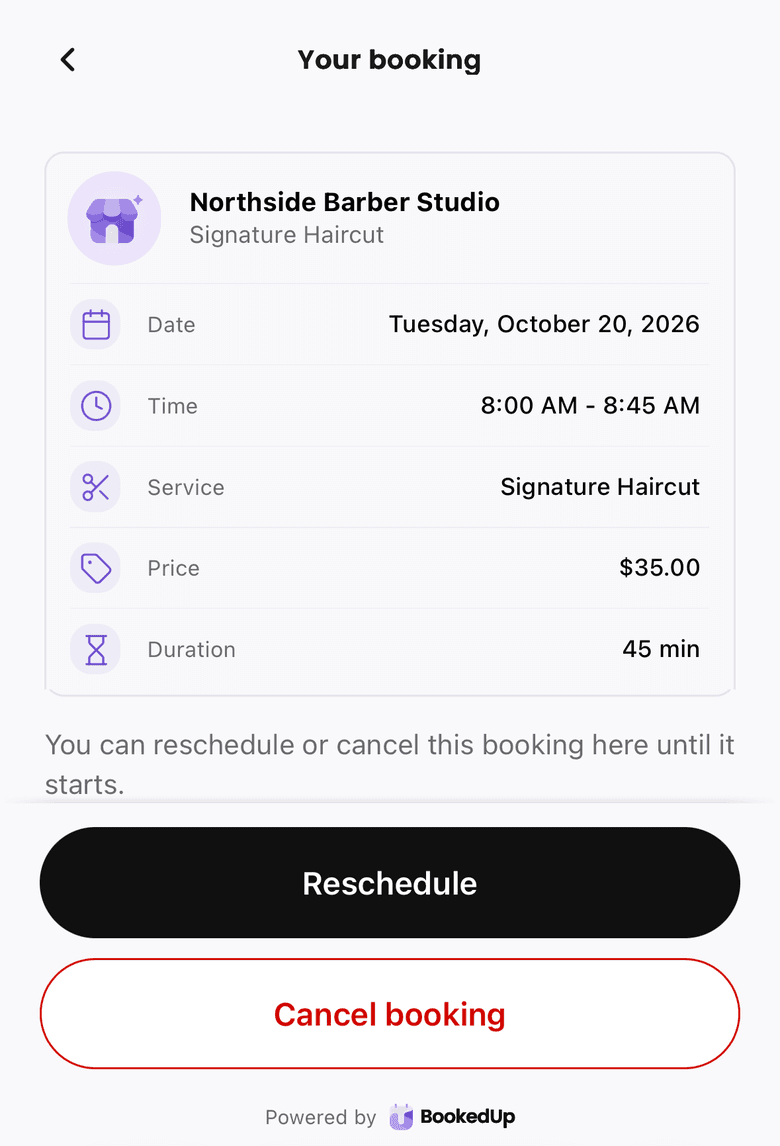
Clients handle their own changes
Once booked, clients can save it to their own calendar, then open their booking to reschedule or cancel without messaging you.


How it works
Set up in three steps. Clients do the rest.
Once you sign up, setup is three short screens. After that, your clients do the booking.
Your setup
Step 1: Tell BookedUp what you do
Your business name and your main service: a haircut, a beard trim, coloring, a blow dry, or your own.
Step 2: Set the hours clients can book
Monday to Friday, 9 to 6 is filled in for you. Change the times and switch off any day you do not work.
Step 3: Share your link
Your booking page is ready. Copy the link into your bio or send it to a client.


Then your clients

Clients book themselves
They pick a service and an open time. The booking shows up on your calendar.
Opens BookedUp on the App Store. Or join the iPhone beta.
Plan your booking page
Four questions. Your setup, planned.
Answer from how you work today. The plan follows the app’s own setup, filled in with your answers.
This is what your clients get.
Steps 1 and 2 are captures of the real BookedUp booking page. It opens in the browser, so there is nothing for them to download.
You’re all set!
Your booking is confirmed.
Your clients will not need an app.
Your page opens from your link, on their phone or their laptop. Set it up once, then send the link instead of a list of times.
- No account for your clients
- Opens in any browser
- Add to Calendar once they book
- They reschedule or cancel on their own